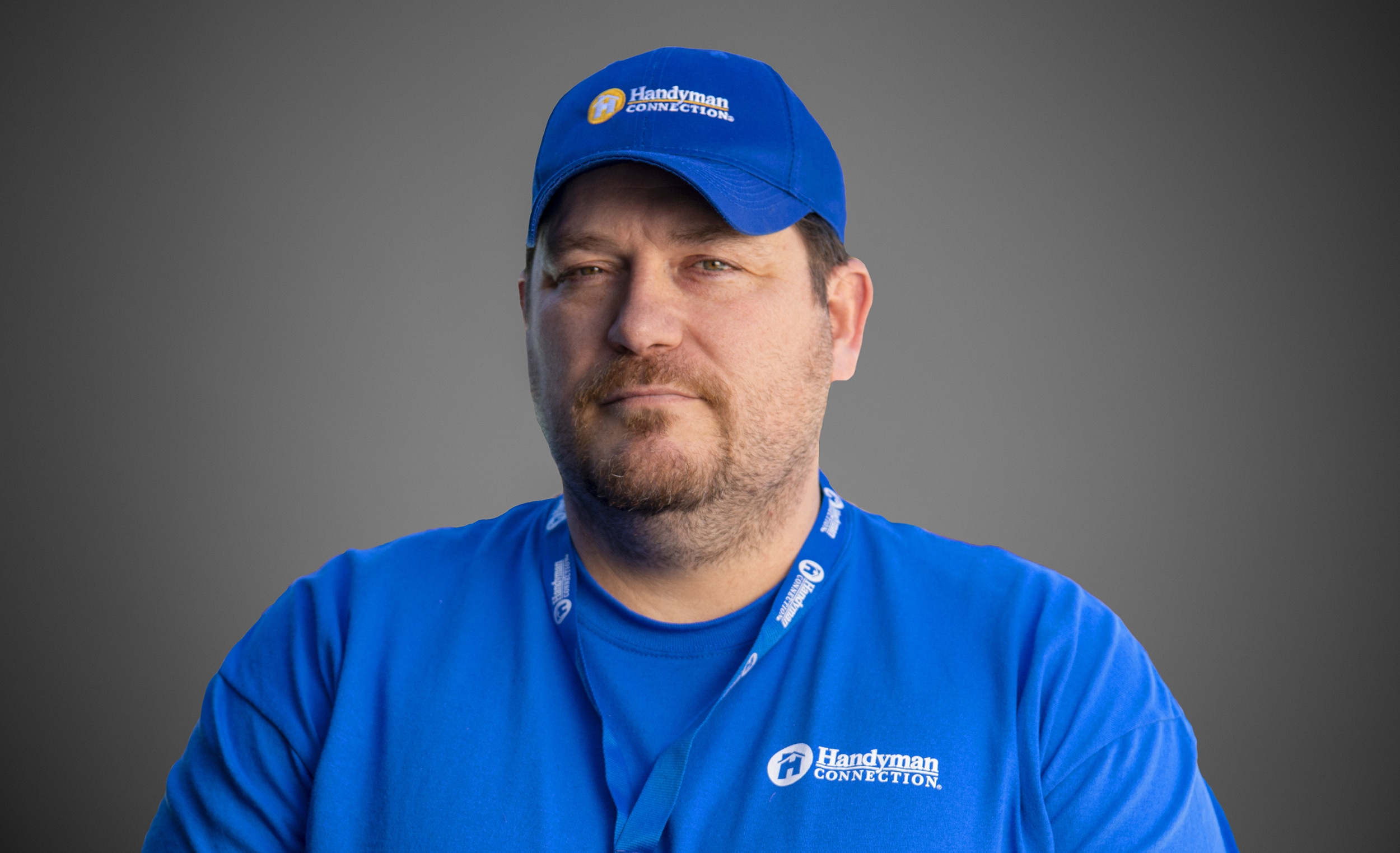
We are excited to announce that a long time Master Craftsman of our business is now the proud new owner; please join us in congratulating Earl Swader as the new owner of Handyman Connection of Blue Ash. Earl has previous business ownership already under his belt and is looking forward to continuing to serve the Blue Ash community as the proud owner.
Painting / July 22, 2025

The way we work has shifted dramatically in recent years. With remote and hybrid setups becoming the norm, home office renovations are on the rise. These personal workspaces aren’t just about functionality anymore, they’re about creating an environment where creativity thrives and productivity feels effortless.
But here’s the catch. Designing an office that feels truly yours can be a bit overwhelming. Where do you start? How can you add personal touches that inspire you daily? Enter AI-generated art is a fast, affordable, and endlessly creative way to breathe life into your workspace. Whether you’re after geometric minimalism, dreamy landscapes, or quirky pop art, an AI image generator can take your art vision and turn it into something extraordinary.
This guide is here to show you how to use AI-generated art to style every corner of your home office, creating a space that feels as unique as you are.
AI art is revolutionizing how we think about creativity. Imagine typing a simple description into a platform like Midjourney, DALL·E, or Wixel, and watching as it generates stunning artwork tailored to your request, no art degree or complex tools required.
● Customizable: From bold abstracts to serene pastels, it adapts to any theme or emotion you want to convey.
● Affordable: Skip the gallery price tags. Many platforms offer free trials or low-cost options to produce high-quality art.
● Quick: No need to scour countless stores or websites. Generate your piece in minutes.
● Empowering: Finally, anyone can create personalized visuals without needing a designer’s expertise.
AI art opens new doors for expressing your personality while matching your workspace vibe perfectly.
Does your dream office lean toward the sleek lines of minimalism or the cozy charm of boho chic? Before diving into the AI art generation, it’s worth taking time to identify your personal aesthetic. Explore popular design styles to see what resonates:
● Minimalist: Clean, clutter-free spaces with neutral tones and simple, purposeful elements.
● Industrial: Raw finishes like exposed brick, metal accents, and edgy, urban artwork.
● Scandinavian: Warm woods, soft hues, and understated elegance that creates calm.
● Boho: Vibrant patterns, earthy materials, and eclectic, carefree decor.
● Eclectic: A bold mix of colors, textures, and styles—for those who love creative contrast.
To define your aesthetic, try moodboarding on Pinterest or Instagram,save images that spark inspiration. Take cues from your space’s existing elements (like wall color, lighting, or furniture style) and consider what fuels your creativity: nature, technology, surrealism, or motivational quotes all translate beautifully into custom AI-generated artwork.Whether you’re going for a full home office redesign or just want to refresh one wall, a trendy new color can make all the difference. For the best results, consider hiring a professional painting service to ensure a flawless finish.
Once you’ve dialed in your aesthetic, the fun begins—using AI tools to create personalized, one-of-a-kind office art that reflects your style and energizes your workspace.
Source: Wixel AI image generator
Here’s a closer look at some of the standout platforms shaping the AI art conversation right now.
● DALL·E 3
Praised for its accuracy and user-friendly features, OpenAI’s DALL·E 3 can generate both surreal and realistic images, making it ideal for anyone seeking stunning visuals with just a few words.
● Midjourney V7
This platform is a go-to for jaw-dropping artwork with an edge. Best known for its bold, artistic flair, Midjourney V7 now offers faster iterations with its Draft Mode, making it perfect for posters, editorial projects, and unique compositions.
● Stable Diffusion 3.5
An open-source favorite, Stable Diffusion 3.5 blends vibrant realism and extensive customization options. This is the tool of choice for tech-savvy users who want full control over their results.
● Leonardo AI
Recently acquired by Canva, Leonardo AI delivers advanced features like real-time generation and tailor-made model training. Great for businesses looking to embed AI into their design process.
● Adobe Firefly
Integrated with Adobe’s Creative Cloud, Firefly lets users create images and text effects directly within familiar apps like Photoshop and Illustrator. Its commercial-safe learning model makes it a trustworthy choice for professional designs.
● NightCafe
Loved for its versatility, NightCafe makes trying out different art styles as easy as clicking a button. Whether it’s cubism or watercolor, it’s ideal for those curious about experimenting.
● Wixel
Simple, playful, and versatile, Wixel is perfect for fast, creative bursts—especially for branding or home decor projects.
● Dream by WOMBO
Designed with mobile users in mind, this app allows you to create surreal, dreamy art on the go.
● Runway ML
This advanced platform offers tools for video and image editing, merging AI and multimedia creativity. A great fit for content creators and marketers.
● Artbreeder
Specializing in evolving existing images, Artbreeder is ideal for creating portraits, characters, or concept art with a unique twist.
At the heart of most AI art tools are diffusion models. These systems transform noisy data into clean, high-quality visuals based on text descriptions. Recent advancements include higher resolution outputs, multimodal capabilities to handle complex prompts, and even video generation.
The secret to great AI-generated art lies in the details. Here’s how you can refine your prompts for the best results:
First, Be descriptive: Include clear subject, style, and color details. Second, use terms like “vivid,” “oil-paint style,” or “pastel tones” to craft a specific mood. Third, keep it simple, then add more detail based on your results.
Example prompts to try:
“A mystical forest at dusk with vibrant purple hues and glowing fireflies.”
“An abstract cityscape in bold neon colors inspired by cyberpunk themes.”
The future promises even more innovation. With real-time generation, text-to-3D modeling, and robust animation tools on the horizon, AI art is set to become even more dynamic and collaborative. Whether you’re a hobbyist exploring new mediums or a seasoned designer, AI tools empower you to reimagine creativity. These platforms are only a starting point, your vision is what brings them to life.
AI-generated art makes it easier than ever to create a workspace that reflects who you are. Go a step further by infusing your creations with deeper meaning. For example, you can add Personal Touches by adding motivational Quotes: Generate art featuring your favorite inspirational phrases in stylish fonts. Creating your beloved pet Portraits: Imagine your furry friend in royal attire or surrounded by abstract patterns. These personal details might just be the extra spark you need to power through your day.
Printing & Sourcing Tips
A masterpiece deserves the right materials, and printing high-quality AI art is surprisingly simple. Local print shops offer faster turnarounds and let you inspect colors in person, while online services typically provide lower costs and more material options like canvas or metal prints for durability and texture. For budget-friendly options, basic poster prints in sleek frames can look fantastic and give you room to experiment without overspending, consider matte or glossy paper for framed art, or explore canvas and metal prints for standout pieces.
Legal & Ethical Considerations
Using AI-generated art responsibly means checking whether the platform grants full ownership of generated art for personal projects, avoiding copying real artists’ work verbatim, and sticking to tools with clear licensing terms to ensure originality and compliance. These steps ensure your work is uniquely yours and ethically sourced while keeping you on the right side of usage rights and creative ethics.
To pull it all together, balance your AI art with other decor elements. Match colors within your art to furniture or accessories and create harmony across textures. Rotate pieces seasonally to keep things fresh or experiment with complementary themes to align with your mood.
Your home office is a reflection of your passions and goals, so don’t hold back on making it truly personal.

11115 Kenwood Rd.
Blue Ash, OH 45242

© Handyman Connection 2026 | Privacy Policy

 (513) 771-3950